
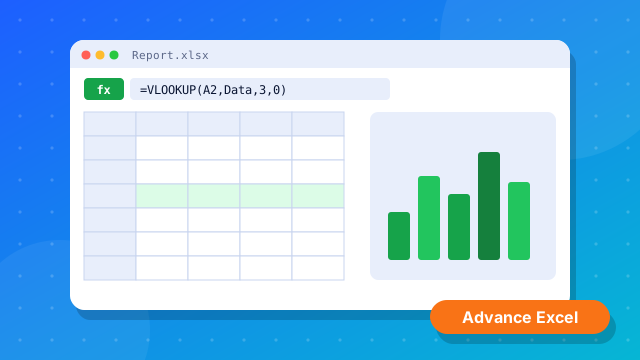
Advance Excel
Monthly Sales Report
Formulas, pivots and charts on a sales sheet.
Learning Experience
A practical learning journey — understand the concept, practise on the computer, build real work and grow your skills.
// The Skill Hub Method
Every course follows the same four-step journey.
Understand the concept
Practice on computer
Apply your skills
Improve your career skills
// Learning Environment
Classes are built around the computer — students spend their time doing, not just listening.
C, C++, Python, Java, HTML, CSS and JavaScript — write and run real code.
Office tools, Excel, Google Sheets, typing and everyday computer tasks.
Tally Prime, GST, Busy and Photoshop practised on real-style entries and designs.
// Tech Stack
The tools and languages you will work with at Skill Hub.
// Project-Based Learning
Examples of the kind of practical work students do while learning.
Formulas, pivots and charts on a sales sheet.
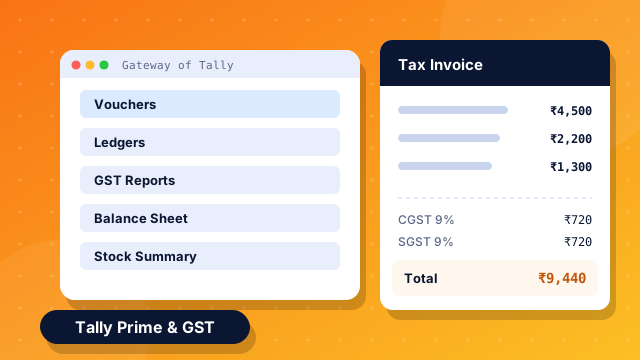
Create a company, pass entries and view GST reports.
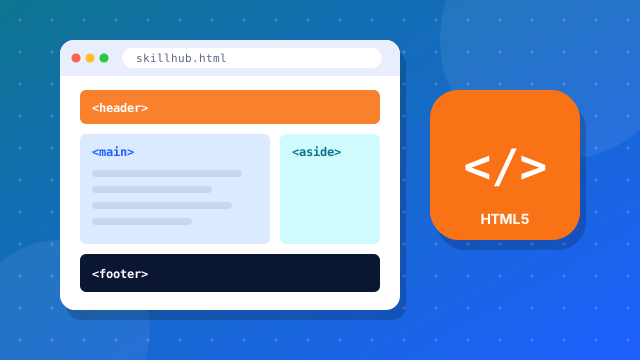
Structure, style and add interactivity to a page.
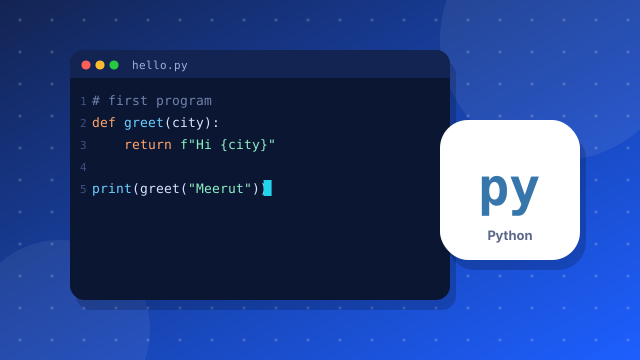
Solve everyday problems with simple scripts.

Layers, text and images combined into a poster.
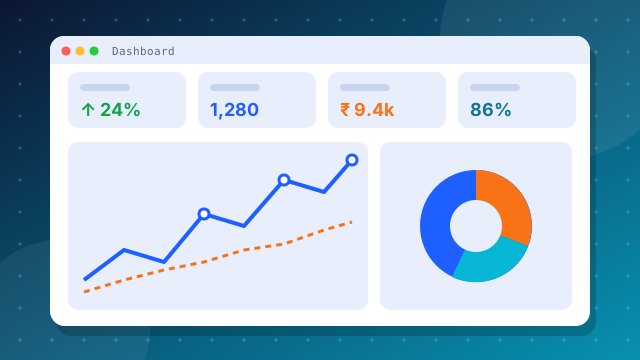
Clean data and present insights visually.
// Student-Friendly
Beginners are welcome. Questions are encouraged. Everyone learns at a pace they can follow.
Choose the right course and start building practical skills for your future.